Use this AI image generator to turn text prompts into original visuals in seconds. Create images online with no login and keep the workflow focused on direct text-to-image generation.
Describe the subject, style, lighting, composition, or mood, then generate visuals for concept art, mockups, social posts, product ideas, or creative experiments.
Start with one clear visual brief, generate a first version, then tighten the prompt if you want a different style, angle, or level of detail.
Image prompt note: Prompts and generated outputs are sent through The TurboChat backend and may be processed by AI providers. Fair-use or daily limits may apply, and commercial use can depend on the applicable provider terms. Avoid sensitive personal data, private documents, or confidential business material.
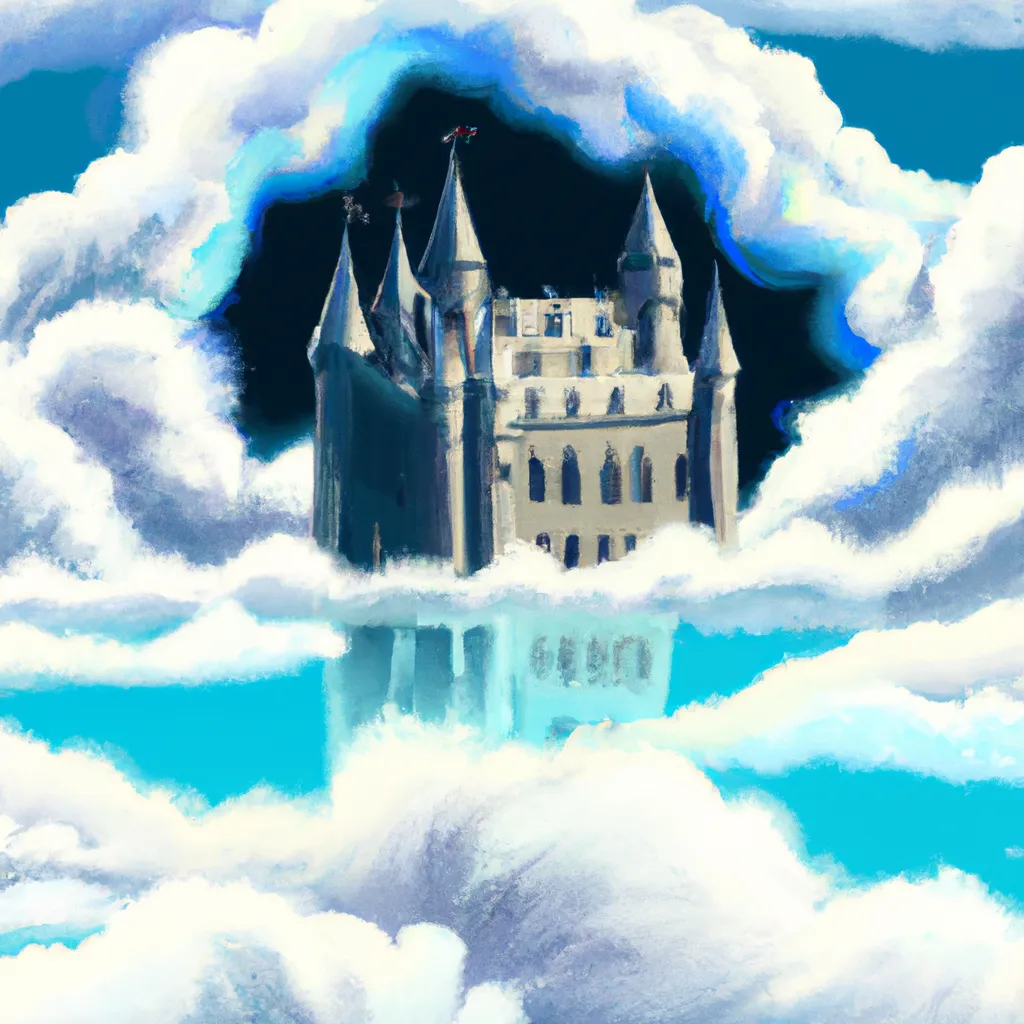
Prompt: "A castle floating among the clouds, lit by sunset, digital realistic style."
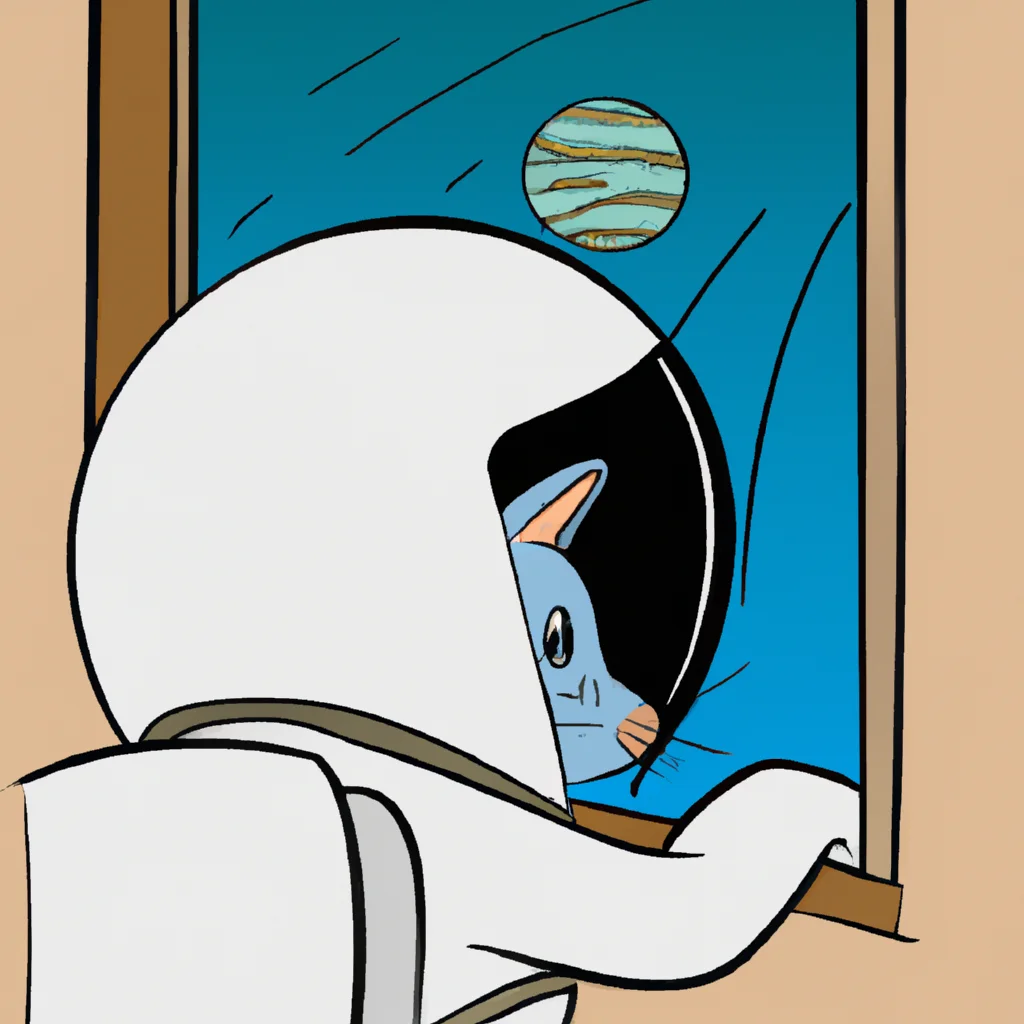
Prompt: "An astronaut cat looking at Earth from a spaceship window, Pixar-style illustration."
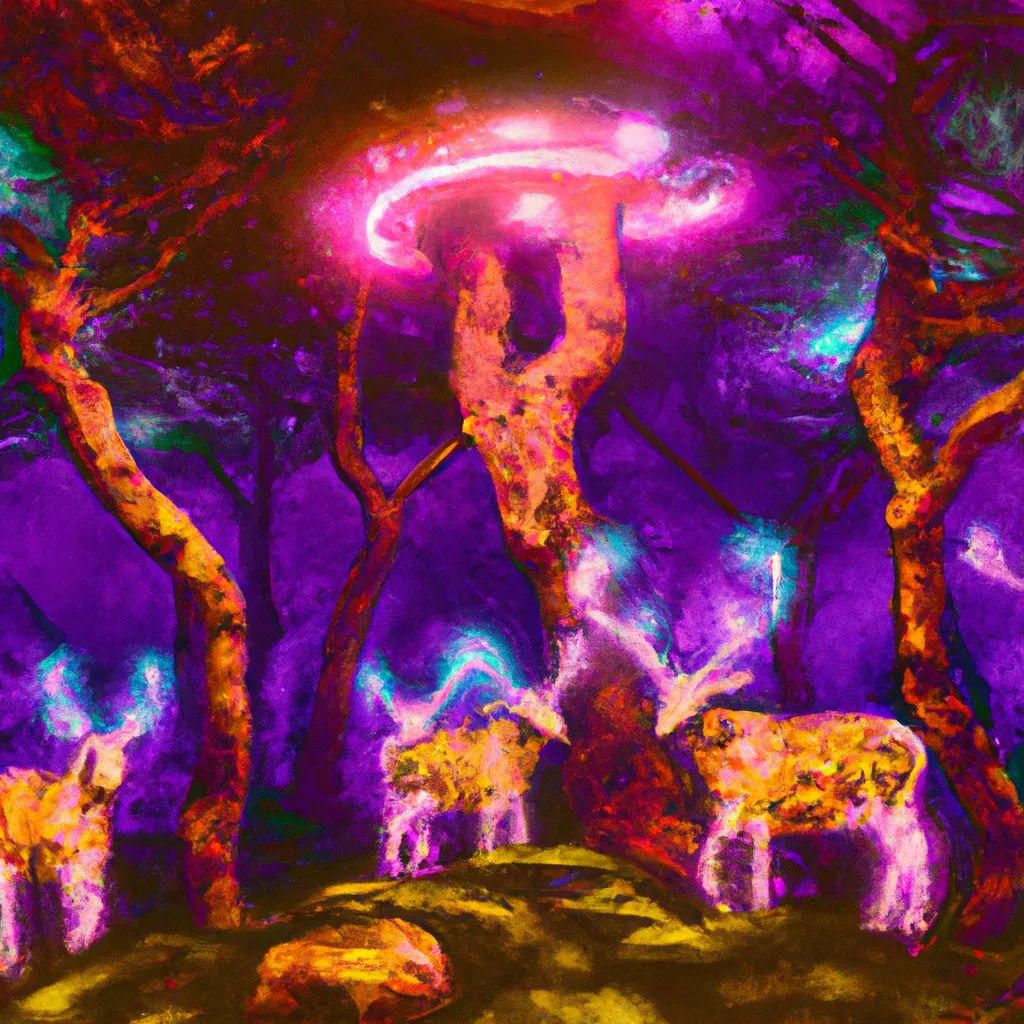
Prompt: "A forest at night glowing with bioluminescent mushrooms, deer made of light, cyberpunk art style."
Start with a clear text prompt that names the subject and the visual direction you want. The more specific the prompt, the easier it is for the model to produce a result that matches your goal.
Example: Old library interior, warm lamp light, cats reading books, cozy atmosphere, detailed illustration.
A better text prompt usually beats a longer one. Keep the request specific, visual, and easy to interpret.
If the output is not what you had in mind, rewrite the prompt with clearer nouns, stronger style cues, and fewer competing ideas.
If you are comparing tools, the right AI image generator for your use case usually depends on speed, prompt control, and style range. This page is useful when you want fast browser-based image generation without setup friction.
Use this page when the end goal is an image. If you need help shaping the prompt first, move to the linked chat tools below and come back with a tighter brief.
If you are comparing image tools, the right choice usually depends on prompt control, speed, and style range. The answers below cover the practical basics for this free browser tool.
A good AI image generator gives you fast text-to-image results, enough prompt control, and a useful range of styles so you can iterate quickly and improve outputs with small prompt changes.
Yes. You can start at no cost on The TurboChat. Daily or fair-use limits may apply, and requests must follow the usage restrictions on this page.
Generated images may be used for personal or business projects depending on the applicable provider usage terms. Review those terms before commercial use.
Refine the prompt, add style or lighting details, change composition instructions, or generate another variation until the result is closer to your goal.
Yes. Requests must follow usage policies and avoid unsafe, offensive, violent, or otherwise restricted content.
Need help? Contact us if you want support understanding the tool or planning better prompts.
This page stays focused on AI image generation, while the linked pages support ideation and prompt refinement.